
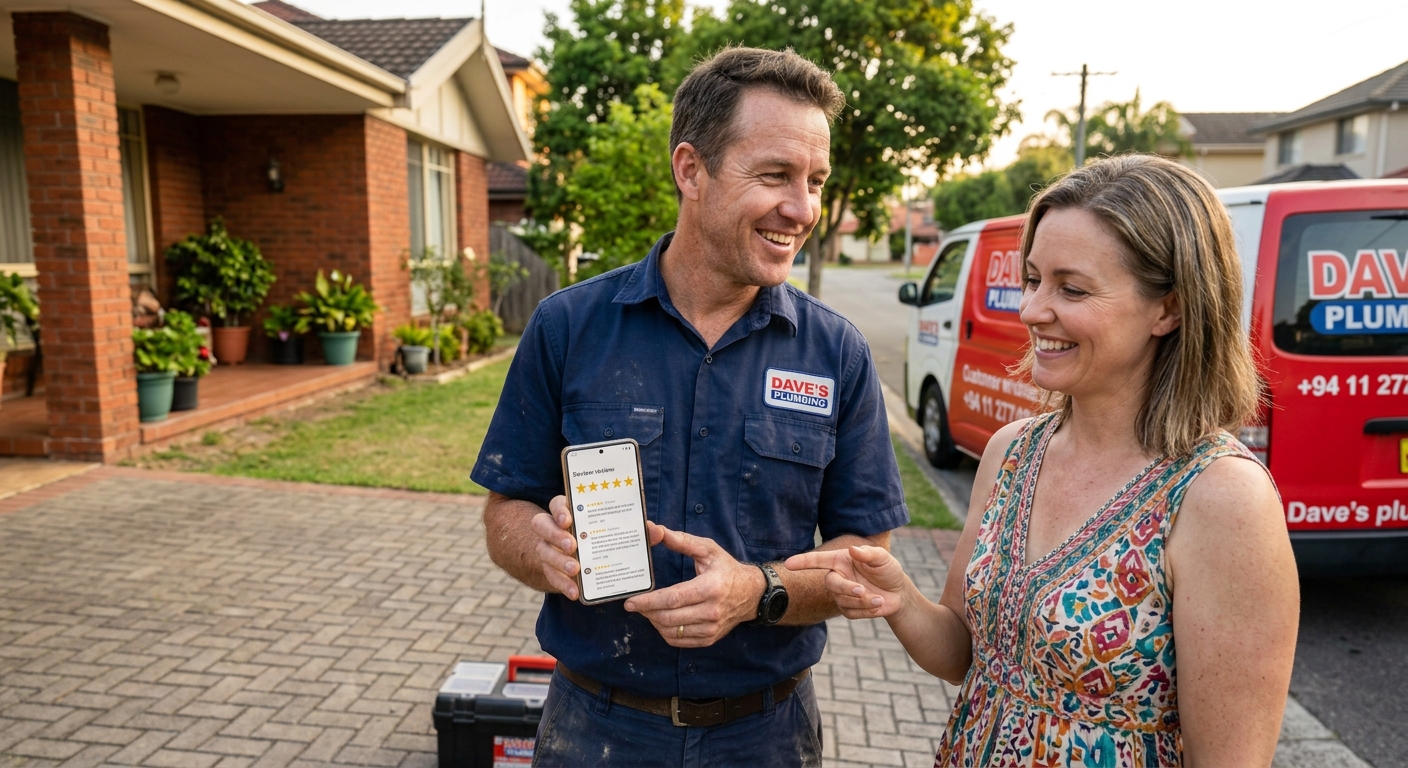
Google Business Profile: The Free Tool Most Local Businesses Still Underuse
Your Google Business Profile is one of the most powerful free marketing tools available. Yet many local businesses set it up once and never touch it again. These Google Business Profile tips will help you get found by more customers in Wolverhampton, Cannock and beyond.
A quick note on Google this month
Google began rolling out its May 2026 core update on 21 May. Your website rankings may move over the next couple of weeks. While your website settles, your Google Business Profile is a steady way to stay visible in local search and on Google Maps.
Why your Google Business Profile matters
When someone searches for a local service, the map results often appear before any website. For many customers, your profile is the first impression of your business. It shows your reviews, photos, opening hours and contact details all in one place.
Google also uses this information in AI Overviews and AI Mode. An accurate, detailed profile helps Google understand and recommend your business.
Twelve Google Business Profile tips
1. Choose the right primary category
Your primary category has a big impact on which searches you appear in. Be specific. “Indian restaurant” is better than “restaurant”. Add relevant secondary categories too.
2. Write a clear description
Explain what you do, where you do it and who you help. Mention your town and main services naturally. Avoid stuffing it with keywords.
3. Keep your hours accurate
Wrong opening hours frustrate customers and lead to bad reviews. Update special hours for bank holidays and events.
4. Add your services and products
List each service with a short description and a price or price range where possible. This gives Google and customers more detail.
5. Upload real photos regularly
Add photos of your premises, team, products and work. Real photos build trust far more than stock images. Aim for new photos every month.
6. Post updates weekly
Use posts to share offers, events and news. They show Google and customers that your business is active.
7. Ask for reviews consistently
Do not ask for reviews in one big push. Ask steadily, after every good experience. A regular flow of fresh reviews looks natural and helps your ranking.
8. Reply to every review
Thank people for positive reviews. Respond calmly and professionally to negative ones. Other customers read your replies too.
9. Answer common questions
Add answers to questions customers often ask, such as parking, accessibility or payment options, in your description, services or posts.
10. Add booking or ordering links
If customers can book or order online, link to it. Every extra step loses people.
11. Keep details consistent everywhere
Your business name, address and phone number should match exactly on your website, social media and directories. Inconsistencies confuse Google.
12. Check your insights
Your profile shows how many people found you, what they searched and what they did next. Review this monthly to see what is working.
Common mistakes to avoid
- Adding keywords to your business name, which can get your profile suspended
- Ignoring negative reviews
- Using only stock photos
- Letting the profile go quiet for months
- Having different phone numbers in different places
A little effort goes a long way
Spending 20 minutes a week on your Google Business Profile can bring in more enquiries than many paid adverts. It is free, it is local and it works.
Frequently asked questions
Is Google Business Profile free?
Yes. Creating and managing a Google Business Profile is completely free.
How can I rank higher on Google Maps?
How can I rank higher on Google Maps?
When did the Google May 2026 core update start?
Google began rolling out the May 2026 core update on 21 May 2026.
Talk to KIVEIN
Want your business to stand out on Google Maps? KIVEIN helps local businesses across Wolverhampton, Cannock and Staffordshire optimise their Google Business Profile. Get a free quote today.